
Losing your Tesla Model S key can be stressful, but there are options available for replacement. Tesla provides several key types for their vehicles, including key cards, key fobs, and phone keys. Each has its own benefits and costs.
As of 2024, the cost to replace a Tesla Model S key fob is $175. This price includes programming the new key to your specific vehicle. For security reasons, Tesla requires that the new key be ordered and activated through its official channels.
Key cards are available for $35 per pair for those looking for a more budget-friendly option. These cards work well as backups or for giving temporary access to others. Phone keys, which use the Tesla app, are free but require a compatible smartphone. It’s smart to have multiple key options to avoid being locked out of your Tesla Model S.
Understanding Tesla Model S Key Options
Tesla offers several ways to access and control your Model S. These include a key card, key fob, and mobile app. Each option has unique features to suit different needs.

Key Card Features
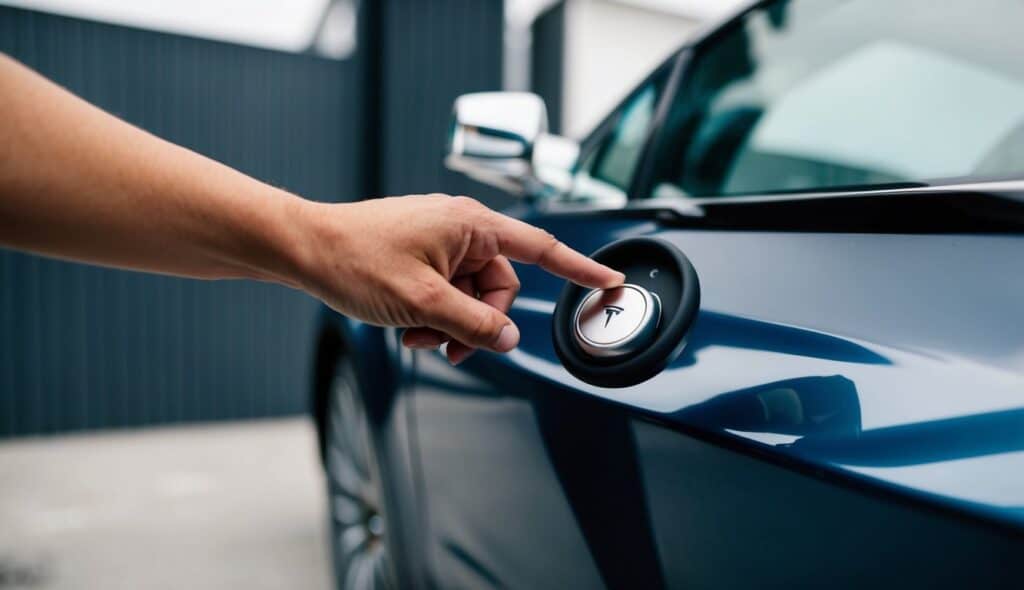
The Tesla key card is a slim, credit card-sized device. It uses near-field communication (NFC) to unlock and start the Model S. To use it, tap the card on the car’s B-pillar to unlock. Then place it on the center console to start the car.
Key cards are easy to carry in a wallet or purse. They’re also waterproof and don’t need batteries, making them a good backup option.
Tesla provides owners with two key cards with each new Model S. If needed, Extra cards can be bought and added to the car.
Key Fob Advantages
The Tesla key fob looks like a mini version of the Model S. It uses Bluetooth to connect with the car. The fob lets you unlock and start the Model S without taking it out of your pocket.
Buttons on the fob control specific functions:
- Top: Opens and closes the front trunk
- Middle: Locks and unlocks doors
- Bottom: Opens and closes the rear trunk
The key fob’s range is about 30 feet. Its battery lasts 1-2 years with normal use. Replacing the battery is simple and can be done at home.
Mobile App Integration
The Tesla mobile app turns your smartphone into a key. It connects to the Model S through Bluetooth and the internet. With the app, you can:
- Lock and unlock doors
- Start the car
- Check battery level and charging status
- Control climate settings
- Find your car’s location
The app works even when you’re far from your car. This lets you warm up or cool down the Model S before you get in.
You need a Tesla account and a phone with Bluetooth to use the app as a key. The app is free and works on both iOS and Android devices.
Check out Tesla Wheel Bearing Replacement Cost
Reasons for Key Replacement
Tesla owners may need to replace their Model S keys for several reasons. These include losing keys, damage to existing ones, or battery issues. Let’s look at each of these situations in more detail.
Lost or Stolen Keys
Losing a Tesla Model S key is a common problem. Keys can slip out of pockets or get left behind in public places. Sometimes, thieves may target Tesla keys due to their value.
If you lose your key, act fast. Contact Tesla right away to disable the lost key. This stops anyone who finds it from using your car. You’ll need to visit a Tesla service center to get a new key.
The cost of a new key varies depending on your location and the type of key you choose. Prices can range from $100 to $300.
Damaged Keys
Tesla keys can break or stop working over time. This happens from normal wear and tear or accidents.
Signs of a damaged key include:
- Not unlocking the car consistently
- Failing to start the vehicle
- Cracks or chips in the key fob
If your key is damaged, you’ll need a replacement. Tesla service centers can check your key and tell you if it needs to be replaced.
The cost for fixing a damaged key is similar to getting a new one. It’s often easier and safer to just get a new key instead of trying to fix a broken one.
Battery Replacement
Tesla key fobs use batteries that can die over time. When the battery gets low, your key may work less reliably.
Signs of a low key battery:
- Need to be very close to the car to unlock it
- Car doesn’t always detect the key when you try to drive
In most cases, you can replace the battery yourself. Tesla key fobs use CR2032 batteries, which are cheap and easy to find at most stores.
If you’re uncomfortable changing the battery, a Tesla service center can do it for you. This service is usually quick and costs less than getting a whole new key.
Cost Factors for Key Replacement
Replacing a Tesla Model S key involves several cost factors. These include the type of key needed, fees at Tesla Service Centers, and any extra services required.
Type of Key
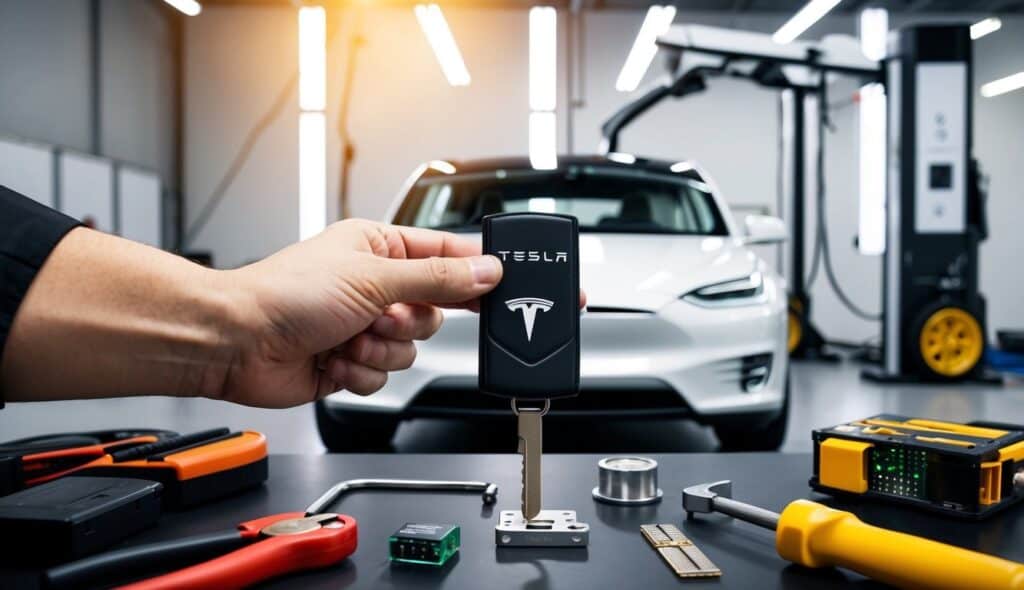
Tesla offers different key options for Model S owners. Key cards are the most basic and cheapest option. They cost around $25 to $35 each. Key fobs are more expensive, ranging from $125 to $175. These fobs have more features like remote locking and trunk opening.
Some owners prefer phone-based keys. These use the Tesla app and are free to set up. But they need a working smartphone and internet connection.
Service Center Fees
Tesla Service Centers charge for key programming, which can range from $50 to $100. The fee covers the time and equipment needed to sync new keys to your car.
Some centers may waive this fee if you buy a new key. Always ask about total costs when making an appointment.
Additional Services
Extra services can add to the final price. If you’ve lost all your keys, Tesla might need to tow your car to a service center. Depending on the distance, this can cost $100 to $300.
Rushed service or after-hours help may cost more. Some owners choose to buy extra key accessories like holders or wallets. These range from $15 to $50.
Tesla may also offer mobile service in some areas. This can be handy, but it might cost an extra $50 to $100.
Step-by-Step Replacement Process
Replacing a Tesla Model S key involves scheduling a service appointment, getting a new key paired with the vehicle, and setting up phone key functionality. These steps ensure you can access and operate your Tesla smoothly.
Scheduling a Service Visit
Contact Tesla to set up a service appointment for key replacement. You can do this through the Tesla app or website. Select “Key Replacement” as the service type. Provide your vehicle information and preferred date and time. Tesla may ask for proof of ownership, so have your registration or title handy.
The service center will order a new key fob for your Model S. Costs vary, but expect to pay around $150-$175 for the new key. When your appointment arrives, bring your Tesla to the service center. Make sure to bring any remaining keys or key cards you have for the vehicle.
Pairing New Key with Vehicle
At the service center, a Tesla technician will program your new key fob, connect it to your car’s computer system, and add the new key to your car’s recognized key list. This process takes about 15-30 minutes.
The technician will test the new key to make sure it works properly. They’ll check that it can lock, unlock, and start the car. Ask the technician if you have any questions about using the new key. They can show you how to use its features.
Activating Phone Key Functionality
After getting your new key fob, set up the phone key feature for backup access. Open the Tesla app on your smartphone. Go to the “Phone Key” section. Follow the prompts to pair your phone with your Model S.
Your phone will use Bluetooth to communicate with the car. Make sure Bluetooth is turned on. The app will guide you through a series of steps to complete the setup. Once finished, test the phone key by locking and unlocking your Tesla.
Remember to keep your phone charged when using it as a key. It’s a good idea to carry your key fob or key card as a backup.
Where to Get a Replacement Key
Tesla owners have a few options for getting a replacement key. The two main paths are visiting a service center or using online ordering.
Service Centers and Retail Locations
Tesla Service Centers are great spots to get a new key. They can make and program keys on-site, and most centers keep keys in stock for common models. The staff there can help you pick the right key type and set it up to work with your car.
Some Tesla retail stores may also offer key replacements. It’s best to call ahead and check. Not all stores have this service. Pricing at centers and stores is often the same as online.
Getting a key in person means you can drive away with it that day. This is handy if you’ve lost all your keys. The downside is you need to make a trip and may have to wait.
Online Options
Tesla’s online shop is a simple way to order a new key. You can buy key cards, fobs, or key rings. The shop lists prices clearly. Shipping is usually quick, often just a few days.
To order, you’ll need your car’s info and proof of ownership. Once the key arrives, you’ll need to link it to your car. This can be done through the car’s touchscreen. For some models, you may need to visit a service center to finish setup.
Online ordering is easy and can be done anytime. The trade-off is the wait for shipping. It’s not ideal if you need a key right away. But it’s perfect for getting a spare or replacing a worn-out key.
Preventive Measures and Tips
Taking good care of your Tesla Model S key fob can help avoid costly replacements. Smart key management and using the Tesla app’s features are key ways to protect your fob.
Safe Key Management
Keep your Tesla key fob in a safe place when not in use. Don’t leave it in your car or anywhere where it could be damaged or stolen. Store it at home in a key holder or hook near your front door. When out, keep the fob in a secure pocket or bag.
Clean your key fob gently with a soft cloth to remove dirt and grime. This helps prevent debris from getting inside. Check the fob often for signs of wear or damage. If the buttons feel sticky or don’t work well, it may be time for a battery change.
If you don’t have a spare key fob, make one. Having a backup can save time and stress if your main fob is lost or broken.
Using Tesla App’s Security Features
The Tesla Mobile App offers extra security for your Model S. Turn on PIN to Drive in the app. This adds a layer of protection even if someone gets your key fob.
Use the app to track your car’s location. You can still find your Tesla if your fob is lost or stolen. The app also lets you lock and unlock your car without the fob.
Set up phone key in the app as a backup. If you misplace your fob, this lets you use your phone to open and start your car. It’s a handy feature that can save you from being stranded.
Remember to keep your Tesla app updated. New versions often include better security features to protect your car and keys.
Compatibility with Other Tesla Models
Tesla offers different key options across its vehicle lineup. Key cards and key fobs are compatible with different models.
Key Card Compatibility Across Models
The Tesla Key Card works with multiple Tesla models. It’s compatible with the Model 3, Model Y, and newer Model S and Model X vehicles.
The slim design makes it easy to carry in a wallet or pocket. Key cards provide a backup entry method if the phone key isn’t working.
For Model 3 and Model Y, the key card is the standard option that comes with the vehicle. Owners can purchase additional cards if needed.
Key Fob Compatibility and Restrictions
Key fobs have more limited cross-model compatibility than key cards. Each Tesla model typically requires its own specific key fob design.
Model S and Model X key fobs are not interchangeable with Model 3 or Model Y fobs. Newer Model S fobs (2021+) may not work with older Model S vehicles.
Some Model 3 and Model Y owners prefer to buy an optional key fob for added convenience. These fobs have buttons for locking, unlocking, and opening the trunk.
Key fobs offer longer range than key cards. They can activate vehicle functions from a greater distance.
Frequently Asked Questions
Replacing a Tesla Model S key fob involves specific steps and costs. Here are answers to common questions about the process, expenses, and options for Tesla owners.
How can I replace a lost key fob for a Tesla Model S?
Contact Tesla service to order a replacement key fob. You’ll need to prove ownership of the vehicle. Tesla will then ship the new key fob to you or a nearby service center.
What is the process for programming a new Tesla Model S key fob?
Take your new key fob to a Tesla service center. A technician will program it to work with your specific Model S. This step is needed to ensure the fob connects to your car’s systems.
Where can I get a second key for my Tesla Model S, and what does it entail?
You can order a second key through Tesla’s website or a service center. You’ll need to verify ownership. Once received, the key must be programmed to work with your car at a Tesla service center.
What are the costs associated with replacing a Tesla Model S key fob?
A new Tesla Model S key fob costs about $175. This price includes the fob itself. Programming fees may be extra, depending on your service agreement with Tesla.
How do I replace the battery in a Tesla Model S key fob?
Open the key fob using a small flathead screwdriver. Remove the old battery. Insert a new CR2032 battery, positive side up. Close the fob carefully. Test it to ensure proper function.
What makes Tesla’s key fob replacement a costly affair?
Tesla key fobs contain advanced technology for keyless entry and security. The high-tech components and programming needs drive up costs. Tesla’s control over the supply and programming also affects pricing.
Conclusion
Replacing a Tesla Model S key can cost around $135-$175. This price typically includes both the new key fob and programming. Tesla service centers are the safest option for replacements. They ensure proper setup and compatibility with your vehicle.
Key cards offer a cheaper alternative at $15-$25. However, they lack some conveniences of the fob. Online sellers may have lower prices, but reliability is a concern. Authentic Tesla parts are crucial for security and function.
The replacement process is quick, often taking about an hour. Tesla technicians have the tools and expertise to program new keys correctly. This helps avoid potential issues down the road.
Planning ahead can save stress. Keeping a spare key or card is wise. It prevents being locked out and facing urgent replacement needs. Regular key maintenance also extends their lifespan, potentially saving money over time.

Hi, I’m Marybeth, an electric car enthusiast living in New York in the USA. As the owner of electriccartalks.com, I love sharing my knowledge on EV tips, battery maintenance, and charging solutions. As a proud Tesla owner, I blend my personal experiences with professional insights to offer valuable information to fellow EV enthusiasts. Through my articles, I aim to empower others to make informed decisions about their electric vehicles. Read more