
The Tesla Model 3 is a marvel of modern technology, combining sleek design with cutting-edge features. One of the essential aspects of owning any vehicle, including the Tesla Model 3, is knowing how to secure it properly.
Whether you’re a new Tesla owner or considering purchasing one, understanding the various methods to lock your Model 3 is crucial for ensuring its safety and your peace of mind. In this blog post, we’ll walk you through the different ways to lock your Tesla Model 3, providing step-by-step instructions and tips for each method.
1. Using the Tesla Mobile App
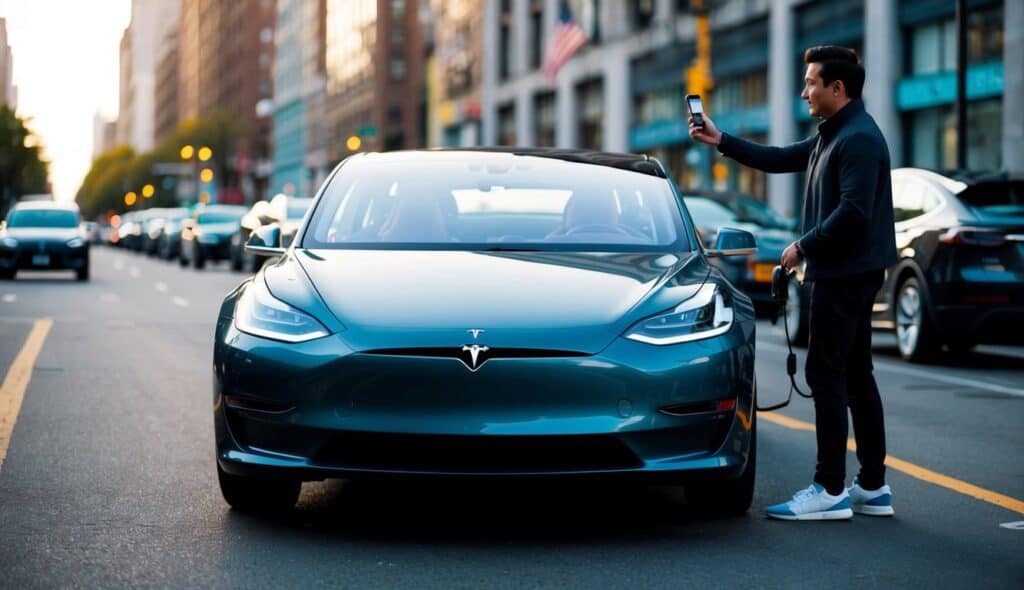
One of the most convenient ways to lock your Tesla Model 3 is through the Tesla mobile app. This app allows you to control various functions of your car remotely, including locking and unlocking the doors.
Steps:
- Download the Tesla App: Ensure you have the Tesla app installed on your smartphone. It’s available for both iOS and Android devices.
- Log In: Open the app and log in using your Tesla account credentials.
- Select Your Vehicle: If you have multiple Tesla vehicles, select the Model 3 from the list.
- Lock the Doors: On the main screen of the app, you’ll see a lock icon. Tap this icon to lock your car. The app will confirm that the doors are locked.
Using the Tesla mobile app is especially useful if you forget to lock your car after leaving it or if you need to secure it from a distance.
Check out Tesla Model S Key Replacement Cost
2. Using the Key Card
The Tesla Model 3 comes with key cards that can be used to lock and unlock the car. These key cards are small, convenient, and can be easily carried in your wallet.
Steps:
- Approach the Car: Ensure you have the key card with you.
- Locate the Card Reader: The card reader is located just below the Autopilot camera on the driver’s side door pillar.
- Tap the Key Card: Tap the key card against the card reader. You will hear a chime, and the doors will lock.
This method is straightforward and doesn’t rely on your smartphone, making it a reliable backup option.
Check out Tesla Model 3 Suspension Replacement
3. Using the Key Fob
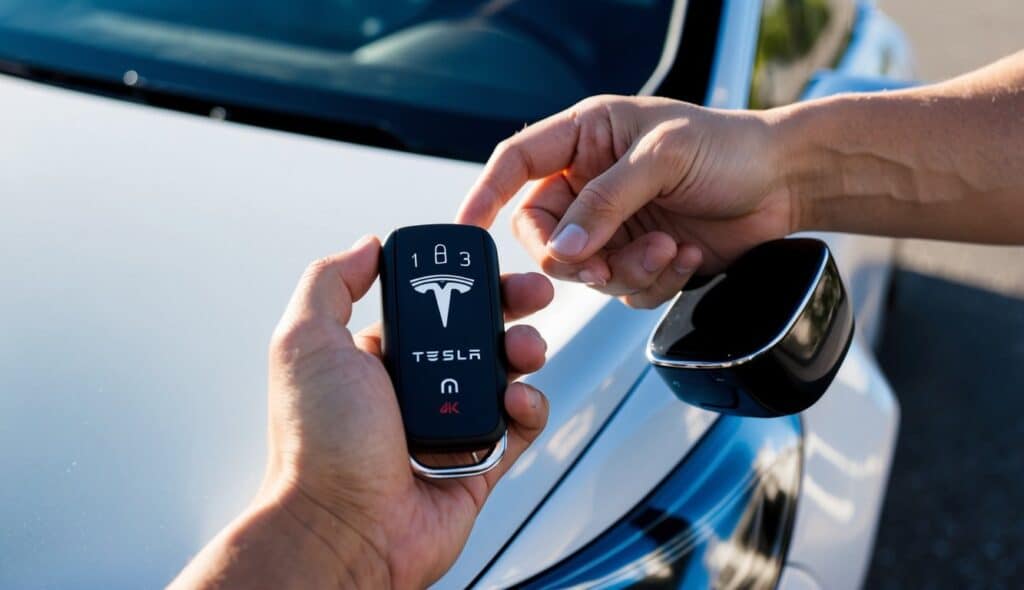
For those who prefer a more traditional method, Tesla offers a key fob for the Model 3, which can be purchased separately. The key fob provides the convenience of locking and unlocking your car with the press of a button.
Steps:
- Pair the Key Fob: Before using the key fob, you need to pair it with your car. Go to the ‘Locks’ tab under ‘Controls’ on your vehicle touchscreen and follow the onscreen prompts to add a new key fob.
- Lock the Car: Once paired, simply press the lock button on the key fob. The doors will lock, and the hazard lights will flash once to confirm.
The key fob is a great option for those who prefer physical keys over digital methods.
4. Using the Touchscreen Inside the Car
You can also lock your Tesla Model 3 from the inside using the car’s touchscreen.
Steps:
- Enter the Car: Sit inside the car and close all doors.
- Access the Touchscreen: On the car’s touchscreen, locate the lock icon.
- Lock the Doors: Tap the lock icon. The icon will change to indicate that the car is locked.
This method is useful if you want to lock the car while sitting inside, for instance, when waiting for someone.
Read Tesla Model 3 Headliner Replacement
5. Walk-Away Locking
Tesla Model 3 features a walk-away locking mechanism that automatically locks the car as you walk away with your authenticated key card, key fob, or smartphone.
Steps:
- Enable Walk-Away Locking: On the car’s touchscreen, go to ‘Controls’ > ‘Locks’ and enable the ‘Walk-Away Door Lock’ option.
- Leave the Car: Ensure you have your authenticated key card, key fob, or smartphone with you.
- Walk Away: As you walk away from the car, it will automatically lock once you are a certain distance away.
Walk-away locking is incredibly convenient, ensuring that you never forget to lock your car.
Read How to Open a Tesla Door?
6. Valet Mode
Valet Mode is another feature that can help secure your Tesla Model 3. When activated, Valet Mode limits the car’s speed and power and restricts access to certain features and personal information.
Steps:
- Activate Valet Mode: With the car in Park, touch the Valet Mode driver profile icon at the top of the Controls screen on the touchscreen.
- Enter PIN: Enter your 4-digit PIN to activate Valet Mode.
- Lock the Car: The car will automatically lock when Valet Mode is activated.
Valet Mode is particularly useful when handing over your car to a valet, ensuring that your vehicle is secure and your personal information is protected.
Additional Tips for Locking Your Tesla Model 3
- Check for Updates: Tesla frequently releases software updates that can improve the functionality and security of your car. Ensure your vehicle’s software is up to date.
- Use Multi-Factor Authentication: For added security, enable multi-factor authentication on your Tesla account.
- Monitor with Sentry Mode: Enable Sentry Mode to monitor your car’s surroundings when parked. This feature uses the car’s cameras to detect and record suspicious activity.
Conclusion
Locking your Tesla Model 3 is straightforward, thanks to the multiple methods available. Whether you prefer using the mobile app, key card, key fob, or the car’s touchscreen, each method offers a convenient way to secure your vehicle. Additionally, features like walk-away locking and Valet Mode add extra layers of security, ensuring your Tesla is always protected.
By familiarizing yourself with these methods and following the steps outlined in this guide, you can confidently lock your Tesla Model 3 and enjoy the peace of mind that comes with owning one of the most advanced vehicles on the road today.
You may also like:
- Does Tesla Need Wheel Alignment?
- Tesla Charger Green Light but Not Charging
- Can I charge my Tesla to 100% everyday?

Hi, I’m Marybeth, an electric car enthusiast living in New York in the USA. As the owner of electriccartalks.com, I love sharing my knowledge on EV tips, battery maintenance, and charging solutions. As a proud Tesla owner, I blend my personal experiences with professional insights to offer valuable information to fellow EV enthusiasts. Through my articles, I aim to empower others to make informed decisions about their electric vehicles. Read more